
LINKEDIN: ADVANCED COMPANY PAGES
Write your awesome label here.
-
Level: Intermediate
-
Length: 45 Minutes
-
10 Interactive Lessons
-
Downloadable Resources
-
Live Demonstrations
-
Activities to Implement
-
Completion Certificate
-
Real-World Examples
-
Instructor: Krista Neher
WHY YOU'LL LOVE LINKEDIN: ADVANCED COMPANY PAGES
LinkedIn
has many powerful features businesses can use to grow visibility, generate
sales, create leads, and achieve their marketing goals.
This course shows you
how to use more features like events, newsletters, showcase pages, product
pages, messages, and more.
Learn how to connect with your audience.
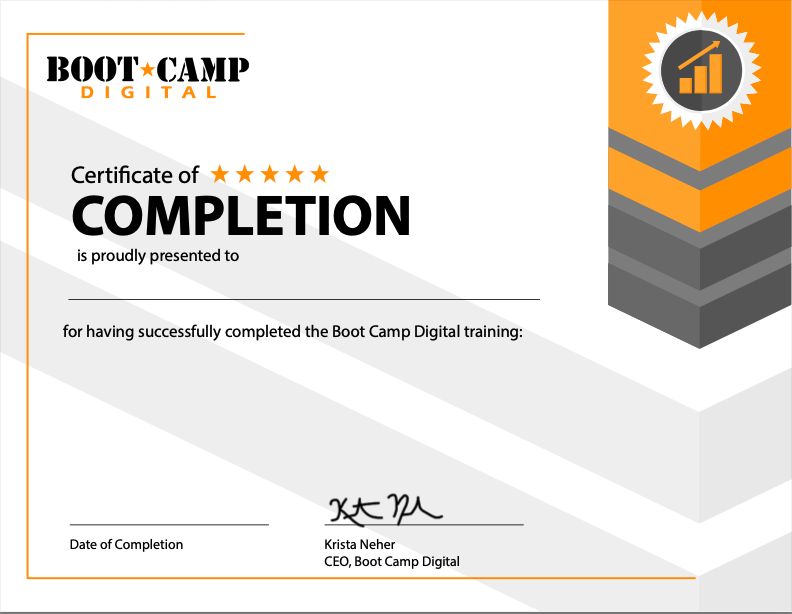
COMPLETION CERTIFICATE INCLUDED
COURSE DETAILS
Course Outline
Part 1
Lesson 1: Events
Lesson 2: Newsletters
Lesson 3: Showcase Pages
Lesson 4: Product Pages
Lesson 5: Managing Your LinkedIn Page Ecosystem
Part 2
Lesson 6: Page Messages
Lesson 7: LinkedIn Live
Lesson 7: Sponsored Posts
Lesson 8: Notify Employees Feature
Lesson 9: Participation on LinkedIn
What You'll Learn
- Create events to grow visibility and generate leads.
- Create a Newsletter to stay top-of-mind with your audience.
- Use Showcase Pages for sub-brands or products.
- Build product pages to promote your products.
- Enable messaging to connect with your audience quickly.
- Go live on LinkedIn to engage your audience in real time.
- Sponsor posts to boost the visibility of your content.
- Notify employees about your posts to increase engagement and visibility.
- Participate on LinkedIn
Risk-free money-back guarantee.
100% Guaranteed
100% money-back guarantee within 7 days of purchase
The #1 digital marketing training company for over 20 years
Consistently top-rated by participants
Write your awesome label here.
OUR HAPPY CLIENTS

MEET YOUR INSTRUCTOR
KRISTA NEHER
KRISTA NEHER
Krista Neher is a six-time bestselling author, international speaker, award-winning entrepreneur, global thought-leader, and an expert in social media, digital marketing, and personal branding, with over 20 years of experience.
She is the CEO of Boot Camp Digital and a contributor on Forbes and Newsweek. She wrote the first textbook on social media and created the first accredited digital marketing certification in the world.
Connect with Krista on LinkedIn
She is the CEO of Boot Camp Digital and a contributor on Forbes and Newsweek. She wrote the first textbook on social media and created the first accredited digital marketing certification in the world.
Connect with Krista on LinkedIn
ABOUT BOOT CAMP DIGITAL
Boot Camp Digital is the global leader in digital marketing training and education, with over 20 years experience. We've worked with the biggest companies like GE, P&G, Meta, Google, T-Mobile, NASA, The United Statess Senate, Medtronic, Johnson & Johnson, General Mills, Boeing, Cisco, and countless small and medium businesses.
Get the Latest Digital Updates
Stay Updated | Stay Current | Stay Connected
Thank you!