
GENERATIVE AI:
USE CASES TO BOOST YOUR PRODUCTIVITY
Write your awesome label here.
-
Level: Beginner
-
Length: 85 Minutes
-
19 Interactive Lessons
-
Downloadable Resources
-
Live Demonstrations
-
Activities to Implement
-
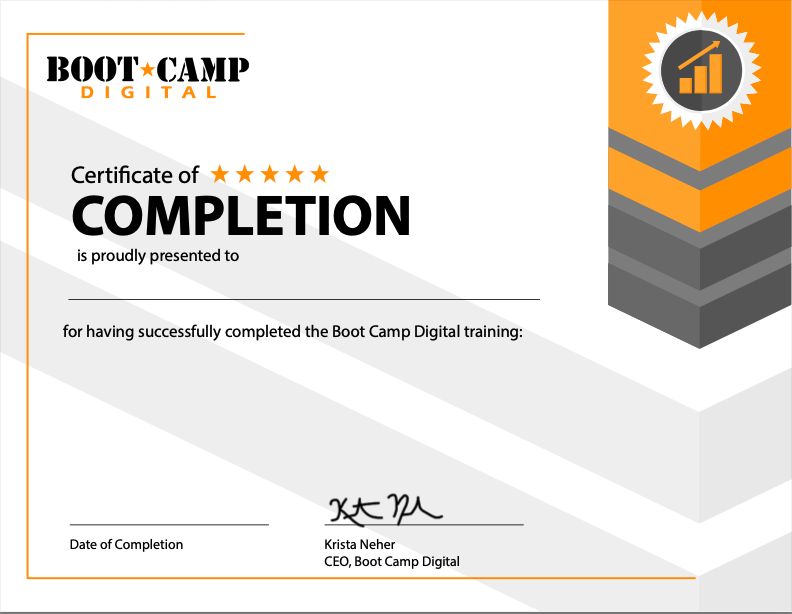
Completion Certificate
-
Real-World Examples
-
Instructor: Krista Neher
WHY YOU'LL LOVE GENERATIVE AI: USE CASES TO BOOST YOUR PRODUCTIVITY
AI can transform your productivity,
helping you get more done in less time.
This course covers practical use cases for AI productivity. Learn how to use AI across a variety of tasks, from content to analysis to research to brainstorming to skill development. Get tips, tricks, and prompt templates to improve your results from AI tasks.
At the end of this course, you'll be able to use AI to improve your productivity.
This course covers practical use cases for AI productivity. Learn how to use AI across a variety of tasks, from content to analysis to research to brainstorming to skill development. Get tips, tricks, and prompt templates to improve your results from AI tasks.
At the end of this course, you'll be able to use AI to improve your productivity.
COMPLETION CERTIFICATE INCLUDED
COURSE DETAILS
Course Outline
Part 1:
Lesson 1: Using AI for Productivity
Lesson 2: Text Content Creation
Lesson 3: Customizing Content for Audiences
Lesson 4: Content Repurposing
Lesson 5: Customized Meeting Follow Up
Part 2:
Lesson 6: Create Support Documents
Lesson 7: Summarizing & Querying Content
Lesson 8: Editing & Proofreading
Lesson 9: Brainstorming & Idea Generation
Lesson 10: Turning Ideas Into Plans
Lesson 11: Creating Project Plans & Templates
Lesson 12: Complex Research
Part 3:
Lesson 13: Information Research, Analysis, and Presentation
Lesson 14: Purchase Research
Lesson 15: Data Patterns & Insights
Lesson 16: Scenario Analysis & Forecasting
Lesson 17: Creating Presentations from Data
Lesson 18: AI as a Skills Coach
Lesson 19: Performance Feedback
What You'll Learn
- Use AI across a variety of use cases throughout your workday.
- Immediately apply what you've learned to improve your prompts and results.
- Use AI more effectively in content creation, personalization, and customization.
- Create support docs and tools to query content with AI.
- Brainstorm and build plans with AI support.
- Use AI for research, analysis, scenarios, and pattern detection.
- Use AI to develop professional skills and receive feedback.
Risk-free money-back guarantee.
100% Guaranteed
100% money-back guarantee within 7 days of purchase
The #1 digital marketing training company for over 20 years
Consistently top-rated by participants
Write your awesome label here.
OUR HAPPY CLIENTS









MEET YOUR INSTRUCTOR
KRISTA NEHER
KRISTA NEHER
Krista Neher is a six-time bestselling author, international speaker, award-winning entrepreneur, global thought-leader, and an expert in social media, digital marketing, and personal branding, with over 20 years of experience.
She is the CEO of Boot Camp Digital and a contributor on Forbes and Newsweek. She wrote the first textbook on social media and created the first accredited digital marketing certification in the world.
Connect with Krista on LinkedIn
She is the CEO of Boot Camp Digital and a contributor on Forbes and Newsweek. She wrote the first textbook on social media and created the first accredited digital marketing certification in the world.
Connect with Krista on LinkedIn
ABOUT BOOT CAMP DIGITAL
Boot Camp Digital is the global leader in digital marketing training and education, with over 20 years experience. We've worked with the biggest companies like GE, P&G, Meta, Google, T-Mobile, NASA, The United Statess Senate, Medtronic, Johnson & Johnson, General Mills, Boeing, Cisco, and countless small and medium businesses.
Get the Latest Digital Updates
Stay Updated | Stay Current | Stay Connected
Thank you!