
AI TOOL REVIEW: MICROSOFT COPILOT FOUNDATIONS
Write your awesome label here.
-
Level: Beginner
-
Length: 30 Minutes
-
8 Interactive Lessons
-
Downloadable Resources
-
Live Demonstrations
-
Activities to Implement
-
Completion Certificate
-
Real-World Examples
-
Instructor: Krista Neher
WHY YOU'LL LOVE AI TOOL REVIEW: MICROSOFT COPILOT FOUNDATIONS
You may be using Copilot, but are you really taking advantage of all of the functionality?
Copilot is a powerful AI tool with a wide variety of features and functions. Copilot has powerful generative AI chat, RAG (Retrieval Augmented Generation) Notebooks, custom AI Agents, branded visuals, and integration into the Microsoft suite.
In this course, you'll learn about the functionality of Copilot and how to use it in your AI processes and projects.
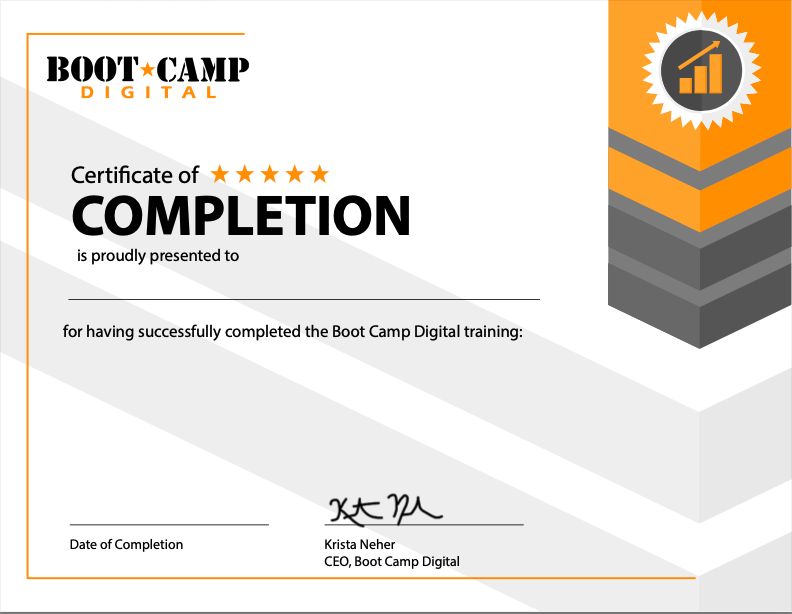
COMPLETION CERTIFICATE INCLUDED
COURSE DETAILS
Course Outline
What You'll Learn
- Learn exactly how Microsoft Copilot works and what sets it apart from other AI tools.
- Use Copilot chat in both work and web modes to boost daily productivity.
- Customize Copilot's memory and instructions to get better and more personalized results.
- Build and deploy AI Agents using Microsoft's step-by-step framework.
- Create on-brand visuals and videos with Copilot Create's image and video generation tools.
- Discover how Copilot integrates with Microsoft apps like Word, Excel, Outlook, and Teams.
Risk-free money-back guarantee.
100% Guaranteed
100% money-back guarantee within 7 days of purchase
The #1 digital marketing training company for over 20 years
Consistently top-rated by participants
Write your awesome label here.
OUR HAPPY CLIENTS








MEET YOUR INSTRUCTOR
KRISTA NEHER
KRISTA NEHER
Krista Neher is a six-time bestselling author, international speaker, award-winning entrepreneur, global thought-leader, and an expert in social media, digital marketing, and personal branding, with over 20 years of experience.
She is the CEO of Boot Camp Digital and a contributor on Forbes and Newsweek. She wrote the first textbook on social media and created the first accredited digital marketing certification in the world.
Connect with Krista on LinkedIn
She is the CEO of Boot Camp Digital and a contributor on Forbes and Newsweek. She wrote the first textbook on social media and created the first accredited digital marketing certification in the world.
Connect with Krista on LinkedIn
ABOUT BOOT CAMP DIGITAL
Boot Camp Digital is the global leader in digital marketing training and education, with over 20 years experience. We've worked with the biggest companies like GE, P&G, Meta, Google, T-Mobile, NASA, The United Statess Senate, Medtronic, Johnson & Johnson, General Mills, Boeing, Cisco, and countless small and medium businesses.
Get the Latest Digital Updates
Stay Updated | Stay Current | Stay Connected
Thank you!